
17 Best Quoting Software Solutions in 2026
Quoting software helps sales teams build, send, and track proposals faster and with fewer errors. The right tool depends on what you sell, how complex your pricing is, and who’s using it. A freelance consultant has different needs than a multi-line manufacturer rep firm. This list covers 17 options across the spectrum, with honest assessments of where each one works and where it falls short.
Quick Comparison: Top Quoting Software at a Glance
| Tool | Starting Price | Best For | G2 Rating | Free Trial |
|---|---|---|---|---|
| ROM’s AccuQuote | $55/user/month | Manufacturer rep firms | 4.9/5 | No |
| HubSpot Sales Hub | $800/month (3 seats) | CRM-driven sales teams | 4.4/5 | Yes (free tier) |
| PandaDoc | $19/user/month | Document-heavy sales teams | 4.7/5 | Yes |
| Salesforce CPQ | $75/user/month | Enterprise, complex configurations | 4.2/5 | No |
| Proposify | $49/user/month | Creative and service industries | 4.6/5 | Yes |
| Qwilr | $35/user/month | Visual, interactive proposals | 4.5/5 | Yes |
| Zoho CRM | $40/user/month | Small-mid size businesses | 4.1/5 | Yes |
| Bitrix24 | Free–$249/month | Teams wanting CRM + quoting | 4.1/5 | Yes (free tier) |
| Scoro | $63/user/month | Service businesses tracking billable hours | 4.6/5 | Yes |
| Better Proposals | $19/user/month | Freelancers and small teams | 4.4/5 | Yes |
| Odoo | $25/user/month | Businesses wanting open-source flexibility | 4.2/5 | Yes |
| Invoicera | $99/org/month | Small businesses needing quote + invoice | 4.0/5 | Yes |
| QuickBooks Commerce | $99/month | Existing QuickBooks users | 4.0/5 | Yes |
| Freshsales | $47/user/month | CRM-first sales teams | 4.5/5 | Yes |
| Quotient | $48/month | Freelancers, solo operators | 4.7/5 | Yes |
| Quoter | $289/month | IT and MSP businesses | 4.7/5 | Yes |
| QuoteWerks | $21/user/month | Windows-based sales teams | 4.4/5 | Yes |
What Is Quoting Software?
Quoting software automates the creation, delivery, and tracking of sales quotes and proposals. Instead of building quotes manually in Word or Excel, reps work from templates, pull pricing from a centralized catalog, and send branded documents in a fraction of the time.
Most quoting tools fall into one of two categories. Builders give reps a drag-and-drop editor to create custom proposals with images, videos, and interactive pricing tables. Compilers let reps select products from a catalog and generate a structured quote automatically, faster to produce, less design flexibility.
Some tools offer both. The best one for your team depends on your sales motion: how complex your pricing is, how many products you’re quoting, and whether your customer expects a polished proposal or a fast, accurate equipment list.
What to Look for in Quoting Software
Before buying, evaluate these criteria against your actual workflow:
- Ease of quote creation: Can a new rep build a professional quote in under 30 minutes without training?
- Pricing catalog management: Does the tool let you maintain a centralized product and pricing library? How hard is it to update when pricing changes?
- Approval workflows: Can you set discount thresholds that trigger manager review automatically?
- CRM and accounting integrations: Does it connect with the tools you already use, your CRM, your accounting software, your ERP?
- Branded output: Does the final quote look like it came from your firm, or does it look like it came from the software?
- Analytics: Can you track quote status, win rates, and turnaround time, or does the data disappear after you hit send?
- Scalability: Will this tool still work when your team doubles in size, or you add new product lines?
The 17 Best Quoting Software Solutions in 2026
1. Our Pick for Manufacturer Reps: ROM AccuQuote
Every tool on this list serves a broad audience. AccuQuote is built for one: manufacturer rep firms that quote multi-line equipment across multiple principals, manage long bid cycles, and need commission tracking connected directly to their quoting data.
Most quoting tools, including several strong ones on this list, require rep firms to work around the tool rather than within it. They don’t understand price books, multipliers, discount tiers, or the reality of assembling a single project quote from three different manufacturer principals under bid deadline pressure.
AccuQuote is built around that workflow. Super Groups let reps combine pricing from multiple manufacturer lines into a single structured quote. Reusable templates and the eJob Folder eliminate redundant data entry on recurring project types. The Bid Calendar tracks deadlines and triggers follow-up reminders automatically. And unlike every other tool on this list, the quote flows directly into AccuTrack for order management and commission calculations, so the price on the quote is the price the commission is calculated on.
Key Features:
- Multi-line quote assembly with Super Groups
- Branded, customizable quote templates
- Bid Calendar for deadline tracking and pipeline visibility
- Real-time financial tracking per quote
- Direct integration with AccuTrack (order and commission management)
- AccuInsights for KPI dashboards (turnaround time, win rate, margin consistency)
- AccuIntelligence for predictive bid outcome analysis
- AreYouSpecified for automated spec identification
- ROM Transformer eliminates manual data entry
Where it falls short: AccuQuote is purpose-built for manufacturer rep firms. If you’re in a different industry, SaaS, professional services, creative agencies, this isn’t the right tool. The other 16 tools on this list will serve those use cases better.
Pricing: AccuQuote is $55/user/month. No hidden fees.
2. PandaDoc
PandaDoc is one of the most widely used quoting and proposal platforms on the market. It’s built around document creation, a drag-and-drop editor, reusable content blocks, interactive pricing tables, eSignatures, and real-time analytics that show when a prospect opens, views, or signs a document.
The Business plan ($49/user/month) covers most sales teams’ needs: custom templates, CRM integrations, approval workflows, and payment collection. The free eSign tier is genuinely useful for smaller teams who don’t need the full CPQ stack.
PandaDoc works well across a broad range of industries: SaaS, professional services, marketing agencies, and financial services. More than 14,000 accounts use its advanced quoting features according to the company’s own data.
Where it falls short: PandaDoc is a document platform, not an industry-specific quoting tool. Users on G2 note that the pricing table functionality can feel limited for complex product catalogs. It also doesn’t natively handle commission tracking, order management, or multi-line equipment assembly, which matters for some industries more than others.
Real user feedback (G2): Users consistently praise the interface and eSign functionality. Common complaints include occasional slow load times on large documents and the learning curve for advanced workflow automations.
3. Salesforce CPQ
Salesforce CPQ (Configure, Price, Quote) is an enterprise-grade quoting solution built on top of the Salesforce CRM. It handles complex product configuration rules, automated pricing logic, approval workflows, and renewal quote generation. For large organizations selling configurable products with multiple pricing tiers, it’s one of the most capable tools available.
The guided selling wizard helps reps select the right products and model different deal scenarios before sending. The unified pricing engine ensures consistency across quotes, orders, and invoices.
Where it falls short: The price is a real barrier, $75/user/month before add-ons. Implementation is complex; most organizations need a Salesforce consultant to set it up, adding significant cost before the first quote goes out. G2 reviewers frequently cite the steep learning curve and the time required to configure it correctly. It’s also designed for product manufacturers, not for businesses that assemble quotes from third-party price books.
Real user feedback (G2): Users value the Salesforce CRM integration and automation capabilities. Common complaints include implementation complexity, high cost, and the effort required to maintain configuration rules as products and pricing change.
4. HubSpot Sales Hub
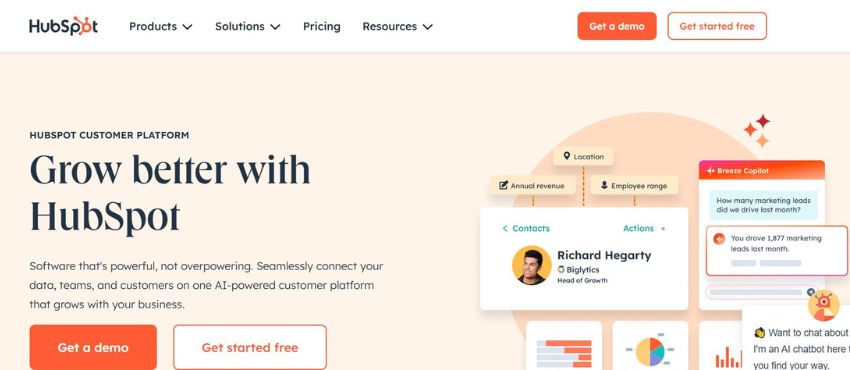
HubSpot’s quoting tools are embedded directly in its CRM, making them a natural choice for teams already using HubSpot for pipeline management. Reps can generate quotes from deal records, pull in contact and company data automatically, collect eSignatures, and accept payment, all without leaving the platform.
The free tier includes basic quote creation, which is genuinely useful for small teams. The Professional tier adds approval workflows, product libraries, and more advanced automation.
Where it falls short: The quoting functionality is CRM-adjacent, not purpose-built. Advanced features require the Professional plan at $800/month (3 seats minimum), which is a significant jump. G2 reviewers note that the quote editor is less flexible than dedicated quoting tools, and the template customization options are limited compared to PandaDoc or Proposify. It also doesn’t handle complex multi-line product assembly or commission tracking.
Real user feedback (G2): Most positive reviews focus on the CRM integration and ease of use for basic quotes. Recurring complaints include limited design flexibility and frustration with the pricing jump between tiers.
5. Proposify
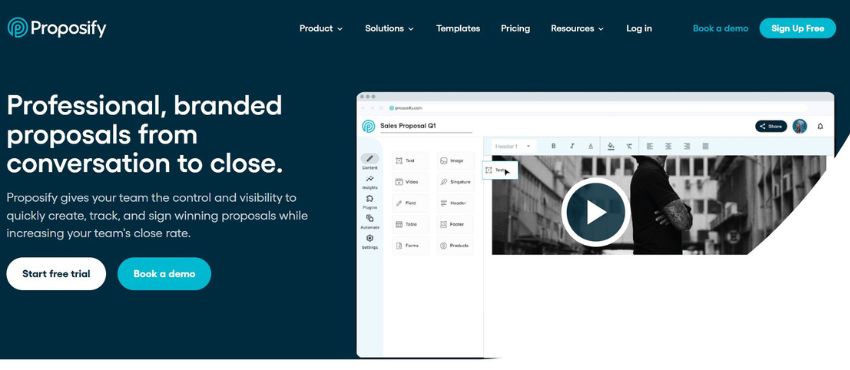
Proposify is built for teams that need polished, branded proposals with approval workflows and document analytics. The template library is extensive, and the editor gives reps control over layout, branding, and content in a way that most CRM-embedded quoting tools don’t.
The platform tracks when prospects view proposals, which sections they spend time on, and sends notifications at key engagement points. Approval workflows let managers review and sign off before proposals go out.
Where it falls short: Proposify is a proposal tool, not a product quoting tool. It doesn’t manage complex pricing catalogs, multi-line equipment assemblies, or commission calculations. G2 reviewers note occasional glitches in the editor and report that customer support response times can be slow. The per-user pricing adds up quickly for larger teams.
Real user feedback (G2): Users praise the visual output and template quality. Common complaints include editor bugs, slower-than-expected support responses, and limited functionality for teams that need structured product pricing rather than narrative proposals.
6. Qwilr
Qwilr converts proposals into interactive web pages instead of static PDFs. Prospects can view embedded videos, select options, accept terms, and sign, all in a browser window. The result is a more dynamic buying experience than a traditional PDF quote.
The platform includes analytics (time spent per section, engagement tracking), CRM integrations, and reusable template blocks. Delivery time for proposals reportedly drops significantly once teams build out their block library.
Where it falls short: Not all customers prefer web-based proposals, some industries and buyers still expect PDFs, and Qwilr’s PDF export is functional but not the primary experience the tool is built around. G2 reviewers note that the Enterprise plan pricing and 10-user minimum make it less accessible for smaller teams. The tool is also not built for complex product pricing or multi-line quote assembly.
Real user feedback (G2): Strong praise for the visual experience and client-facing presentation. Common complaints include the learning curve for building block libraries and the minimum user requirement on Enterprise plans.
7. Zoho CRM
Zoho CRM includes quoting functionality as part of its broader sales platform, reps can create quotes from contact or deal records, use customizable templates, and push accepted quotes toward invoicing. It connects natively with Zoho’s inventory and accounting tools, making it a reasonable all-in-one option for teams that want to stay within the Zoho ecosystem.
Where it falls short: The quoting tools are bundled into higher-tier CRM plans, which adds cost for teams that only need quoting functionality. G2 reviewers note that the interface feels dated compared to dedicated quoting tools, and advanced quoting features require the Enterprise tier. Template customization is more limited than standalone quoting platforms.
Real user feedback (G2): Users value the CRM integration and pricing relative to Salesforce. Common complaints include a cluttered interface, inconsistent customer support, and the complexity of setting up automations.
8. Bitrix24
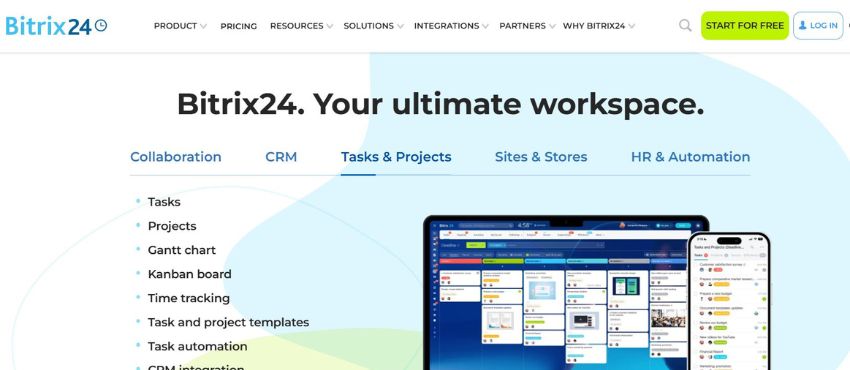
Bitrix24 packs a lot into one platform: CRM, project management, communication tools, and quoting. The free tier is genuinely functional for very small teams. Paid plans unlock more automation, storage, and user capacity at prices that undercut many competitors.
Where it falls short: The platform tries to do too much, and the quoting tools reflect that. G2 reviewers consistently cite a cluttered, difficult-to-navigate interface. Document creation and tracking aren’t as streamlined as dedicated quoting tools. The learning curve is steep, and getting new team members up to speed takes time. For teams that primarily need quoting functionality, the broader platform can feel like more overhead than value.
Real user feedback (G2): Reviewers appreciate the pricing and the breadth of features. Recurring complaints focus on the overwhelming interface, slow performance on complex tasks, and inconsistent mobile experience.
9. Scoro
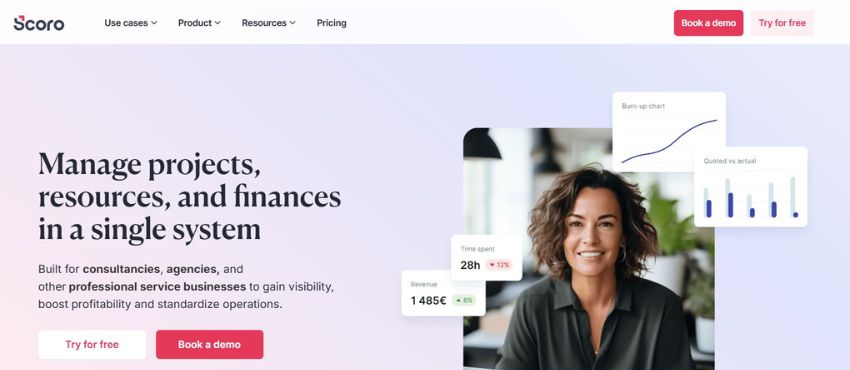
Scoro is a business management platform that combines quoting with project tracking, time management, invoicing, and reporting. For service businesses where quotes connect directly to billable project work, the integration between quoting and project management is genuinely useful.
Reps can create quotes using client profiles and predefined services, convert accepted quotes to projects, and track time and billing in one view. The reporting dashboard is strong.
Where it falls short: Scoro’s template options are limited, and the tool requires uploading documents from outside the platform for certain workflows. G2 reviewers note that the tool tries to serve too many functions simultaneously, which can make it harder to use for teams focused primarily on quoting. Add-on costs can push the effective price higher than the base rate suggests.
Real user feedback (G2): Strong reviews for project and billing integration. Common complaints include limited template customization, the learning curve for new users, and add-on pricing that inflates the monthly cost.
10. Better Proposals
Better Proposals focuses on helping small businesses close more deals with cleaner, mobile-friendly proposals. The template library is strong, the editor is accessible to non-designers, and the platform includes digital signatures, payment integration (Stripe, PayPal, GoCardless), and proposal analytics.
A notable feature is the Document Checker, which analyzes your proposal against historical data from signed documents on the platform and flags areas for improvement before you send.
Where it falls short: Better Proposals is built for small teams and individual users. It doesn’t handle complex product catalogs, multi-line pricing structures, or approval workflows designed for larger organizations. Template customization, while solid for the price point, is less flexible than enterprise-tier tools.
Real user feedback (Capterra): Users consistently praise the ease of use and the quality of templates. Common feedback includes slower development of new features and limited capabilities for larger teams with more complex quoting needs.
11. Odoo
Odoo is an open-source business management suite that includes quoting, CRM, invoicing, inventory, and more. The appeal is flexibility, teams with development resources can customize the platform extensively to fit specific workflows.
Where it falls short: The free version is limited, and meaningful customization requires either developer resources or paid implementation support. G2 reviewers note that the out-of-box quoting experience is less polished than dedicated tools, and that configuration for specialized workflows often requires more effort than expected. Not the right choice for teams without technical resources.
Real user feedback (G2): Users appreciate the pricing and customization ceiling. Common complaints include the learning curve, the need for developer support to unlock full value, and inconsistent module quality across the platform.
12. Invoicera
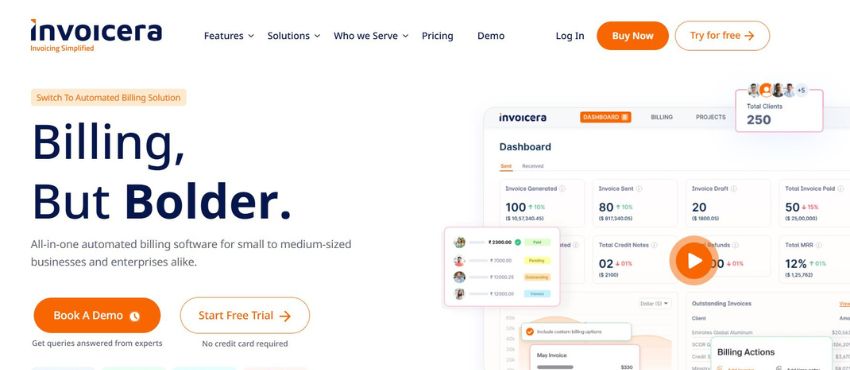
Invoicera handles quote and invoice generation together, useful for small businesses that want to convert accepted quotes into invoices without switching platforms. It includes multi-currency support, recurring billing, and automated payment reminders.
Where it falls short: The platform is primarily an invoicing tool with quoting added on. It doesn’t offer the approval workflows, analytics, or CRM integrations that more mature quoting platforms provide. For teams that need anything beyond basic quote creation and invoicing, Invoicera will feel limited. Pricing at $99/org/month is also harder to justify relative to what competitors offer at that price point.
13. QuickBooks Commerce
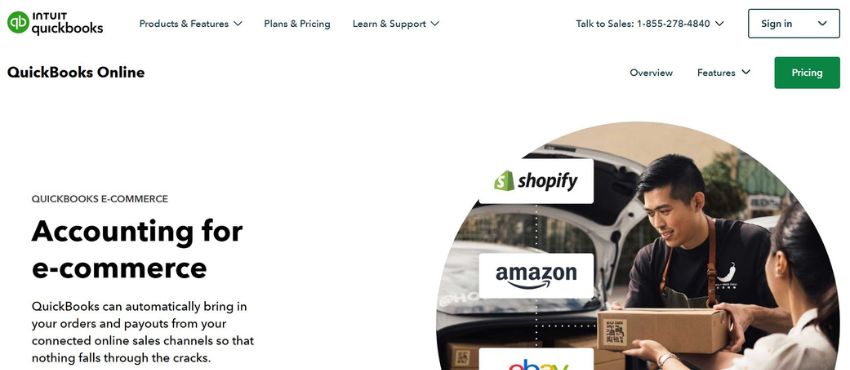
QuickBooks Commerce connects quoting to the QuickBooks accounting ecosystem. For small businesses that already live in QuickBooks, having basic quote generation in the same environment reduces friction and keeps financial data in sync.
Where it falls short: The quoting functionality is basic, limited template customization, no advanced approval workflows, and no dedicated proposal analytics. G2 reviewers note that it’s functional for simple quotes but not designed for teams managing large pipelines or complex pricing structures. As team size grows, the limited user capacity and restricted customization become real constraints.
14. Freshsales
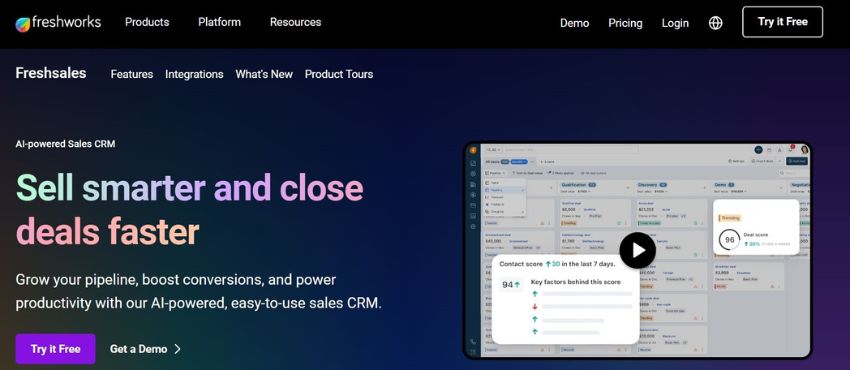
Freshsales includes quoting as part of its CRM platform. Reps can generate quotes from deal records, use custom templates, and automate follow-up workflows. It integrates with the broader Freshworks suite, including Freshdesk for support.
Where it falls short: Like most CRM-embedded quoting tools, the quoting functionality is not the primary focus of the platform. G2 reviewers note that advanced features like custom module workflows and forecasting are locked behind the Pro tier ($47/user/month). Template flexibility and complex pricing catalog management are limited compared to dedicated quoting tools.
15. Quotient
Quotient is a focused, lightweight quoting tool. Reps select line items, add notes, and send clean, professional quotes that clients can accept with one click. The interface is simple and the onboarding is fast. For solo operators or small teams with straightforward pricing, Quotient does exactly what it promises.
Where it falls short: There’s not much depth beyond core quote creation. No content libraries, no advanced approval workflows, no pipeline analytics, and limited integrations. G2 reviewers note that the simplicity that makes it easy to learn also makes it restrictive as businesses grow. Not designed for teams managing high-volume or complex quotes.
16. Quoter
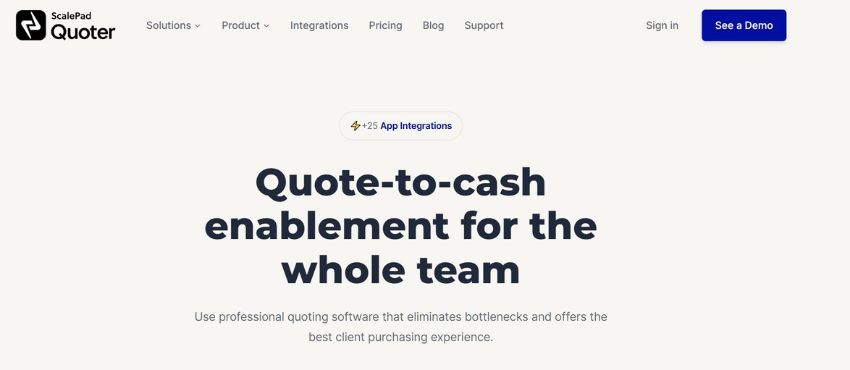
Quoter is built specifically for IT resellers and MSPs. It handles automated quote creation, product lookups from distributor catalogs, and CRM integration. For that audience, it solves real problems, fast quoting from live distributor pricing, standardized templates, and workflow automation.
Where it falls short: The pricing model, per-quote limits on lower plans, can become restrictive for high-volume teams. G2 reviewers note that the tool is well-suited to the IT channel but less adaptable to other industries. At $289/month, the entry cost is high relative to competitors.
17. QuoteWerks
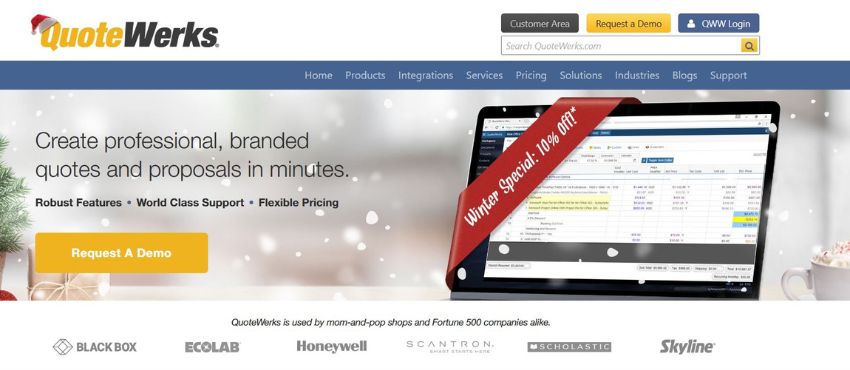
QuoteWerks has been around for decades. It runs locally on Windows, integrates with a wide range of CRMs and accounting tools, and gives sales teams a familiar, data-dense interface for creating and managing quotes. For teams that have been using it for years and are comfortable with the workflow, it works.
Where it falls short: The interface is dated by current standards, it looks and feels like Windows-era software, because it largely is. TrustRadius reviewers praise its functionality but acknowledge the UX hasn’t kept pace with modern tools. It lacks the visual proposal output, real-time analytics, and mobile-friendly design of newer competitors. Teams evaluating quoting software for the first time will likely find more intuitive options at comparable price points.
Real user feedback (TrustRadius): Long-term users appreciate the CRM integrations and customization options. Common complaints from newer users include the steep learning curve and the dated interface.

How Quoting Software Improves Team Collaboration
The most immediate benefit most teams see after implementing quoting software isn’t speed, it’s visibility. Everyone can see what’s in progress, who’s working on what, and where each quote stands in the approval process.
That visibility changes how sales meetings run. Instead of asking “where is that quote?”, managers review live pipeline data. Instead of reps working from different spreadsheet versions, the team works from one source of truth.
Approval workflows also change the dynamic between reps and managers. When the rules are set in the system, standard pricing auto-approves, anything below threshold triggers a review, both sides know the rules, and neither has to chase the other.

How to Choose the Right Quoting Software
Start with your sales motion. Are you selling configurable products? Standard services? Multi-line equipment packages? Your answer rules out most of the tools on this list before you evaluate a single feature.
Evaluate the workflow, not the feature list. Most quoting tools claim templates, CRM integration, and approval workflows. The difference is in how those features work together within your specific process. Request a demo with a real quote from your business.
Check the total cost. Base pricing is rarely the full picture. Add implementation, training, and integration costs. A $19/user tool that requires six months of customization before it works for your team isn’t cheaper than a $55/user tool that’s live in two weeks.
Read reviews from users in your industry. G2, Capterra, and TrustRadius all let you filter reviews by company size and industry. A five-star review from a SaaS company doesn’t tell you much if you’re running a manufacturer rep firm.
Ask about support. Onboarding quality varies significantly across these platforms. Some include dedicated implementation support; others hand you documentation and wish you luck.